

Wi-Fi Connectivity Guide
Last updated: August 2026
A simple guide to understanding how computers connect to Wi-Fi, basic setup steps and common connectivity concepts.
Disclaimer: This content is provided for general informational purposes only. For device-specific setup and instructions, please refer to official documentation or manufacturer guidelines.
Disclosure: This page contains Amazon affiliate links. As an Amazon Associate, we may earn from qualifying purchases at no extra cost to you.
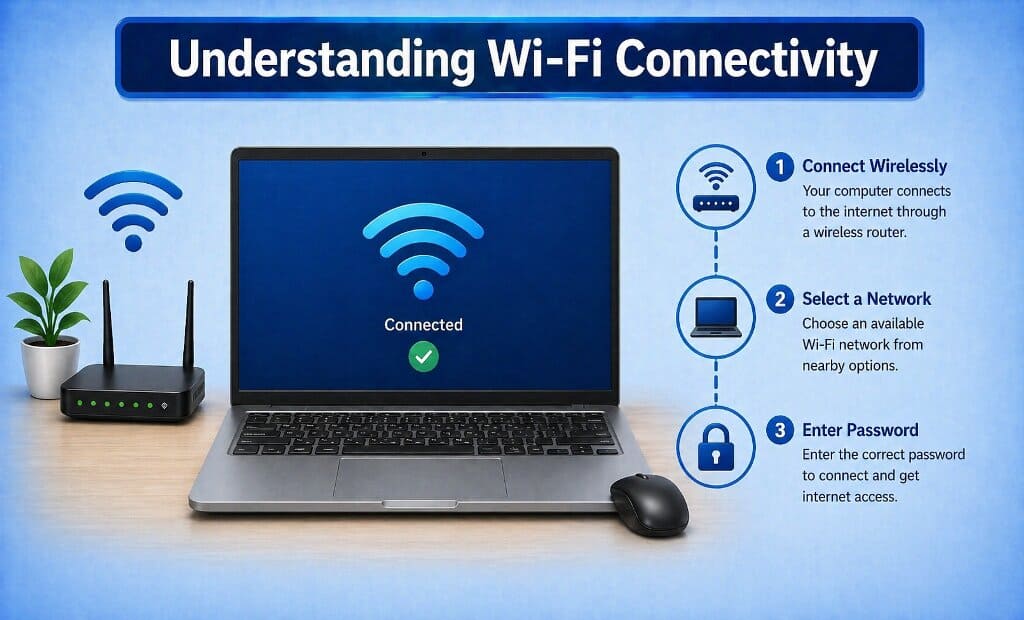
Understanding Wi-Fi Connectivity
How do computers connect to Wi-Fi?
Wi-Fi connectivity allows computers to access the internet without physical cables by communicating with a wireless router. The router acts as a central point that connects multiple devices to a network.
Most modern computers have built-in wireless capabilities that detect nearby networks and allow users to connect by selecting a network and entering the required password.
Connecting to a Wi-Fi Network
What steps are involved in connecting?
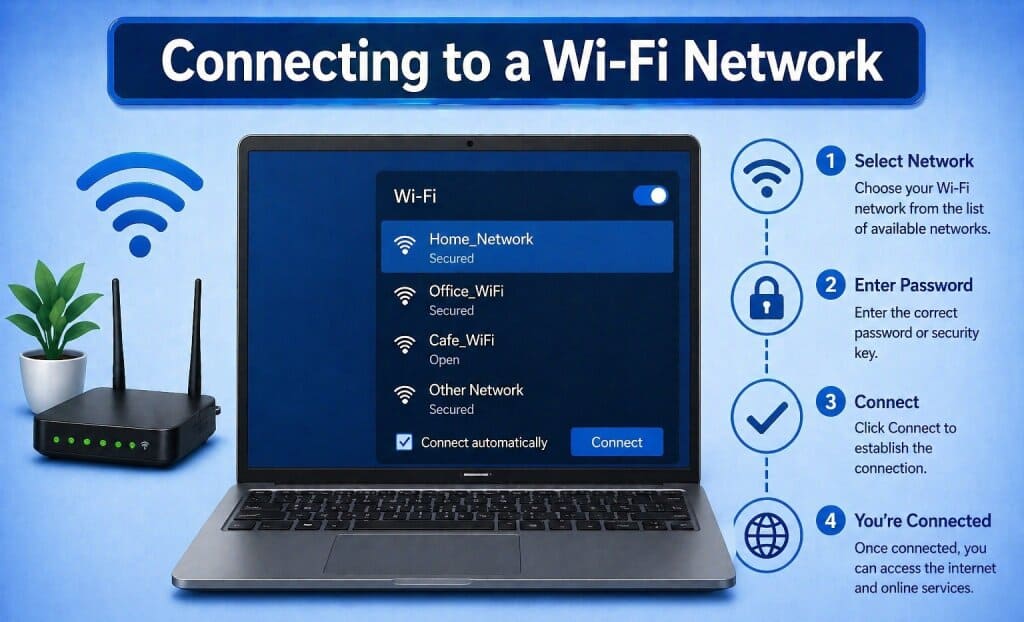
Connecting to Wi-Fi usually involves selecting an available network from system settings and entering the correct password or security key.
Operating systems provide simple interfaces that help users identify available networks and establish a connection quickly.
To set up a reliable Wi-Fi connection, using a good quality wireless router helps ensure stable speed, better range and smoother connectivity.
Upgrade Your Wi-Fi Router →Maintaining a Stable Connection
What helps keep Wi-Fi working properly?
Maintaining a stable connection involves ensuring the device is within range of the router and that network settings are properly configured.
Simple practices such as reconnecting to networks, updating system software and checking network status can help maintain consistent connectivity.
If your Wi-Fi signal is weak in certain areas of your home, using a Wi-Fi range extender can help boost coverage and eliminate dead zones.
Boost Wi-Fi Signal Coverage →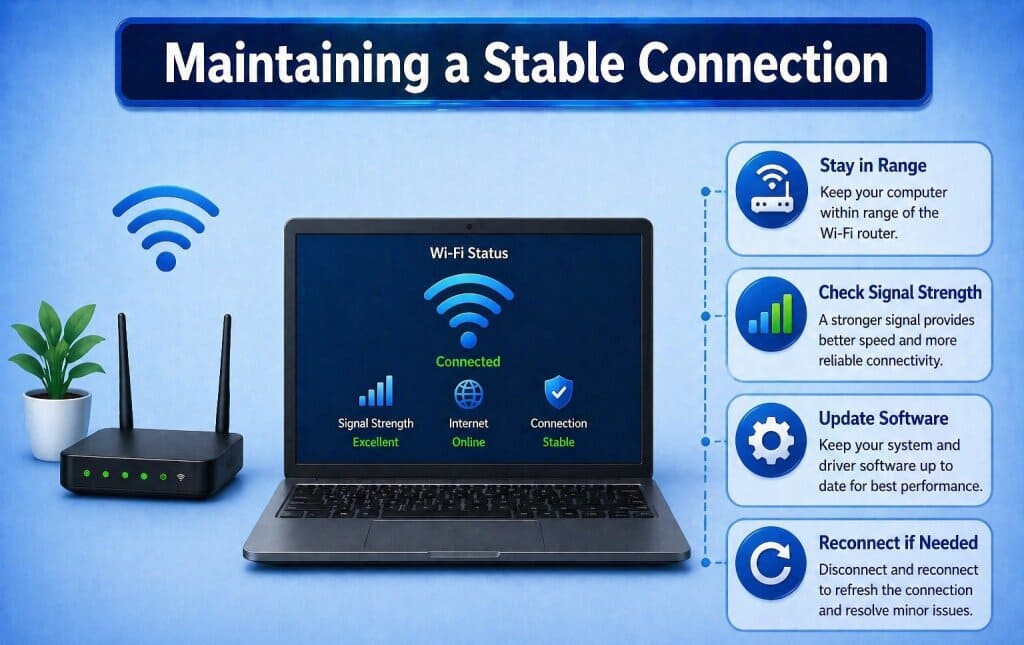
Router vs Range Extender vs Mesh Wi-Fi
Choosing the right Wi-Fi solution depends on your home size, signal strength and number of connected devices. Each option serves a different purpose for improving connectivity.
| Feature | Router | Range Extender | Mesh Wi-Fi |
|---|---|---|---|
| Purpose | Creates Wi-Fi network | Extends existing signal | Creates seamless network system |
| Coverage | Limited to router range | Improves weak areas | Whole-home coverage |
| Speed | Full internet speed | Slight speed reduction | Consistent performance |
| Setup | Simple setup | Plug and extend | Moderate setup |
| Best For | Basic home use | Dead zones | Large homes & multiple devices |
A router is essential for internet access, extenders fix weak signals, while mesh systems provide the best overall coverage.
Improve your Wi-Fi setup by choosing the right device below.
Explore Wi-Fi Routers → Explore Range Extenders →Wi-Fi Connectivity Questions
This information is provided for general educational purposes and does not replace official network setup instructions.
What is Wi-Fi connectivity?
Wi-Fi connectivity allows devices to connect to the internet wirelessly through a router.
Why can't my computer find a network?
This may happen due to signal range, disabled Wi-Fi settings or network availability.
Is a password always required?
Most networks require a password for security, though some public networks may be open.
What affects Wi-Fi signal strength?
Distance from the router, physical obstacles and network interference can affect signal strength.
Can multiple devices connect to the same network?
Yes, multiple devices can connect to the same Wi-Fi network simultaneously.