

Computer Security Guide
Last updated: August 2026
A simple overview of computer security concepts, safe usage practices and general system protection awareness.
Disclaimer: This content is provided for general informational purposes only. For device-specific security guidance, refer to official documentation or manufacturer recommendations.
Disclosure: This page contains Amazon affiliate links. As an Amazon Associate, we may earn from qualifying purchases at no extra cost to you.
Understanding Computer Security
What is computer security in general?
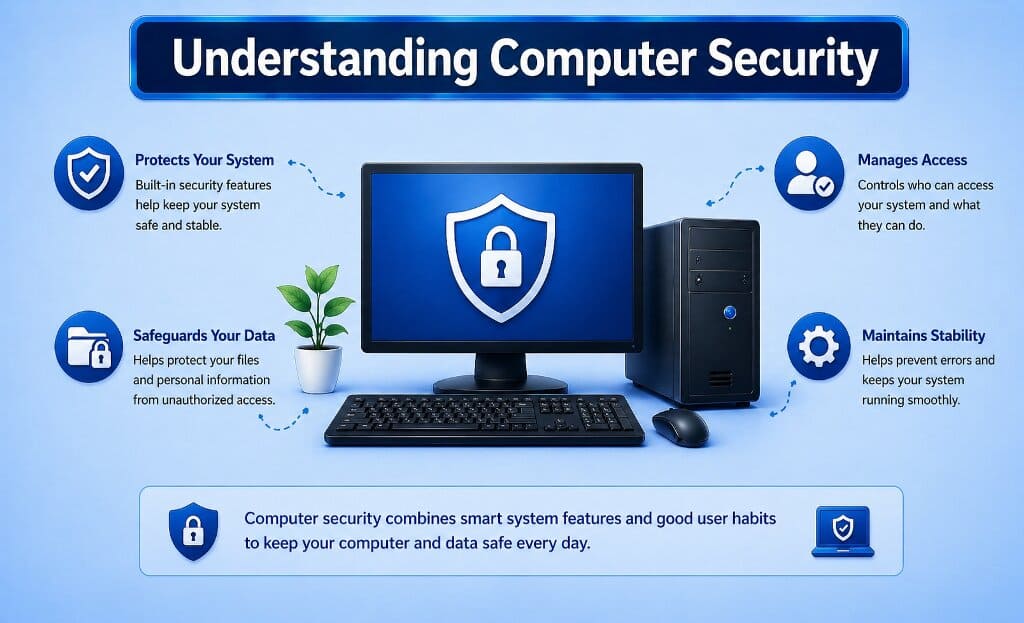
Computer security refers to how systems and data are protected during everyday use. It involves a combination of system features and user practices that help maintain safe and reliable operation.
Modern operating systems include built-in tools designed to manage access, protect data and maintain system stability across different computing environments.
Basic Security Practices
What helps maintain a secure system?
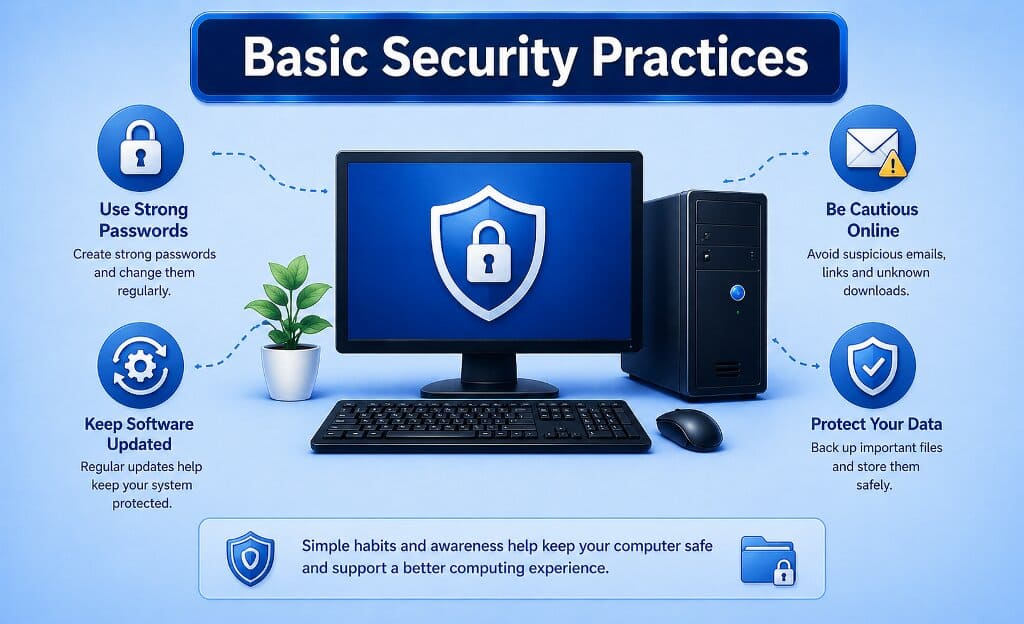
Common practices include using strong passwords, keeping software updated and being mindful of unknown files or links. These habits support safer everyday computer usage.
Security awareness also includes understanding how systems handle data and recognizing typical system notifications related to updates and permissions.
Using reliable security software can help protect your system from malware, viruses and online threats.
Explore Security Software →Maintaining System Security
How can security be maintained over time?
Maintaining security involves keeping systems updated, monitoring system activity and following safe usage practices. These steps help ensure stable and secure operation.
Regular updates and awareness of system behavior contribute to a consistent and reliable computing experience in both home and office environments.
To keep your important files safe and recoverable, using reliable backup tools is a smart choice.
Explore Backup & Recovery Tools →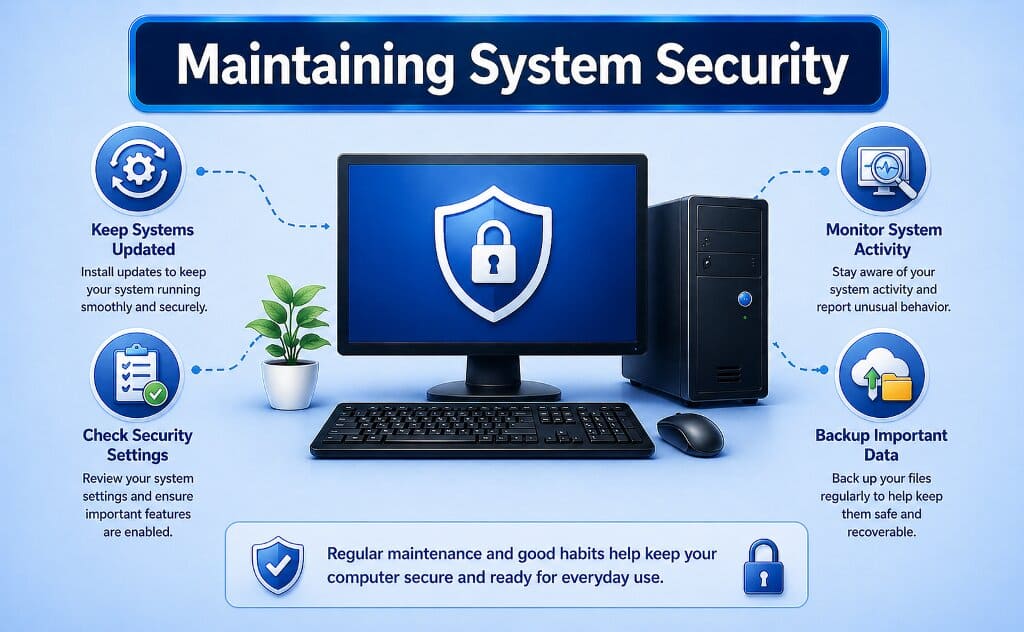
Antivirus vs Firewall: What’s the Difference?
Antivirus and firewall are both essential for computer security, but they serve different purposes in protecting your system from threats.
| Feature | Antivirus | Firewall |
|---|---|---|
| Main Purpose | Detects and removes malware, viruses and threats | Monitors and controls network traffic |
| Protection Type | Protects files and software | Protects network connections |
| Threat Handling | Removes or quarantines harmful files | Blocks unauthorized access |
| Real-Time Protection | Scans system in real-time | Filters incoming/outgoing traffic |
| Usage | Protects against infected files and downloads | Prevents unauthorized network access |
| Best For | Virus, malware and ransomware protection | Network-level security |
For complete protection, both antivirus software and firewall should be used together.
Enhance your system security with reliable protection tools.
Explore Security Software →Computer Security Questions
This information is provided for general educational purposes and does not replace official security guidance.
What is computer security?
It refers to how systems and data are protected during everyday use through various system features and practices.
Why are updates important for security?
Updates help maintain system stability and ensure compatibility with current software standards.
What are common security practices?
Using strong passwords, staying aware of system prompts and maintaining updated software are common practices.
Do all devices follow the same security approach?
While the basics are similar, security features may vary depending on device type and operating system.
How often should systems be updated?
Systems are typically updated regularly as part of normal operation to maintain performance and stability.
Is user awareness important for security?
Yes, understanding how systems behave and recognizing normal system activity helps maintain a safer environment.