

Desktop and Laptop Basics Guide
Last updated: August 2026
Learn how to set up, use and maintain your computer with simple step-by-step guides covering performance, Wi-Fi and security.
Disclaimer: This content is provided for general informational purposes only. For device-specific setup and instructions, please refer to official documentation or manufacturer guidelines.
This guide is designed to help you understand basic computer concepts and everyday usage.
Start Here: Choose What You Need
Select a topic below to quickly find the right guide and solutions for your computer setup, performance, connectivity and security.
✔ Beginner-friendly and easy to follow
✔ Step-by-step explanations
✔ Covers real-world computer usage
Smart Computer Setup
What is typically involved in setting up a computer?
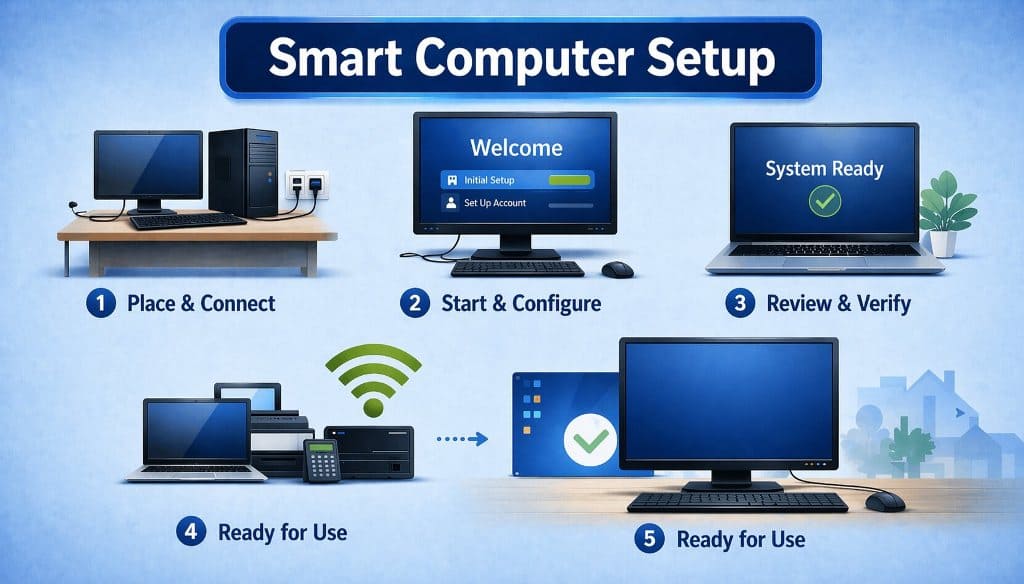
A smart computer setup generally refers to the basic steps involved in preparing a desktop or laptop for use. This process often begins with placing the computer in a suitable workspace and connecting essential components such as power cables, peripherals and network access.
After the physical setup, the system is typically powered on and guided through initial configuration. This stage may include following on-screen instructions to set up user accounts, adjust basic settings and connect to a network. Operating systems usually provide built-in tools to simplify this process and help ensure everything is properly configured.
Once configuration is complete, users may review system readiness and confirm that the device is functioning as expected. This final step ensures the computer is ready for everyday use, with all essential features and connections working smoothly.
Learn more about complete computer setup →
Connect Computer to WiFi
How does computer Wi-Fi connectivity typically work?
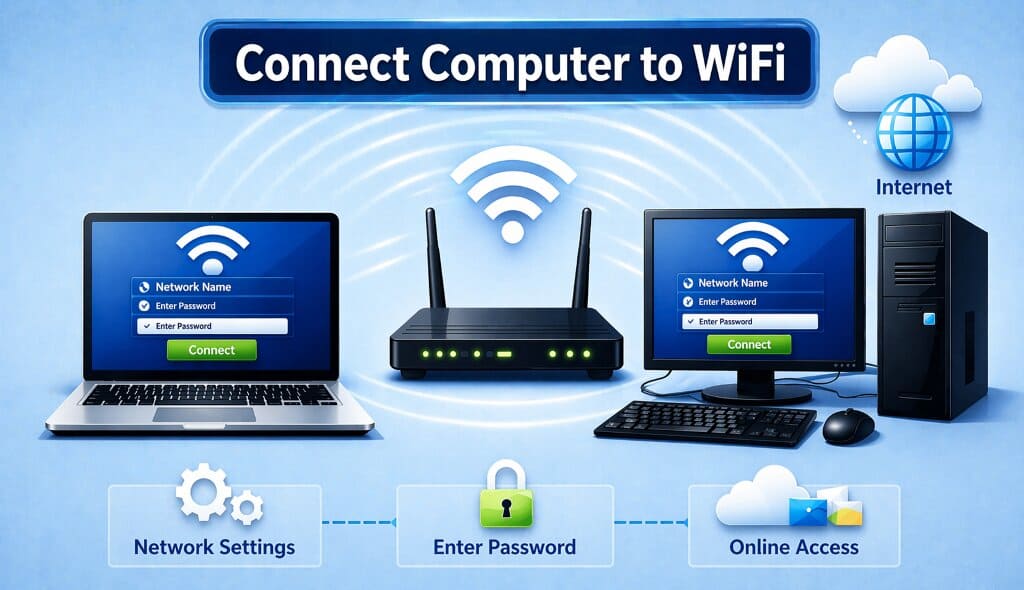
Wireless connectivity allows computers to access the internet without using physical cables. Instead, devices communicate with a nearby router using Wi-Fi signals, enabling access to online services, applications and shared network resources.
To connect, users typically select a Wi-Fi network from the available list in system settings and enter the required password or security key. Most operating systems include built-in features that automatically detect networks and assist with the connection process.
Once connected, the computer can browse the internet, use cloud-based services and communicate with other devices on the same network. Wi-Fi is widely used in homes, workplaces and public environments, offering flexibility and convenience without the need for wired connections.
Learn more about Wi-Fi Connectivity →
Computer Performance Basics
What factors influence computer performance?
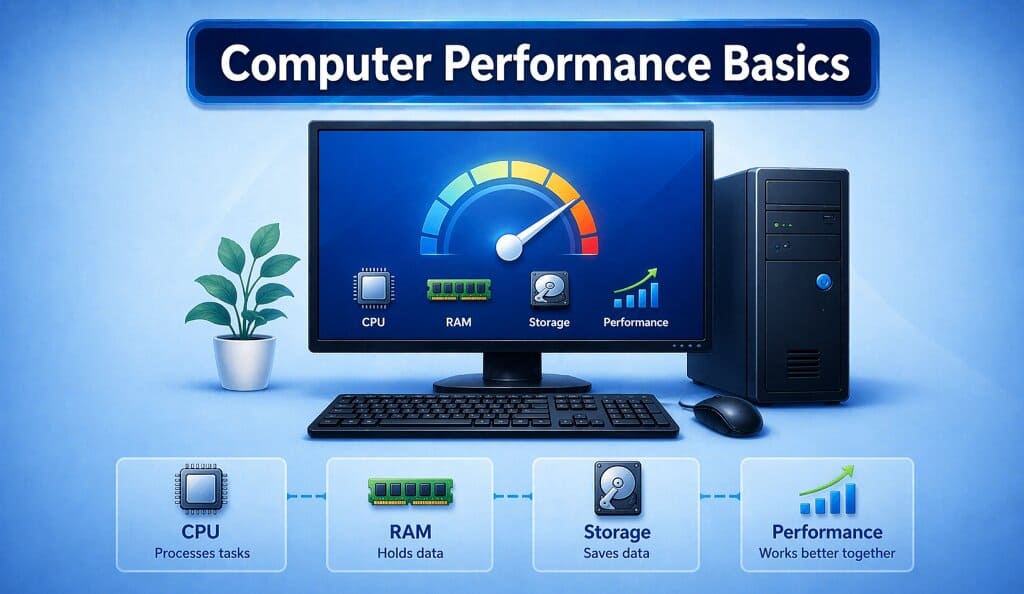
Computer performance refers to how efficiently a system runs applications and completes tasks. It is influenced by key components such as the processor (CPU), memory (RAM) and storage, which work together to manage system operations.
The CPU handles instructions, RAM stores active data temporarily and storage retains files and installed programs. When these components operate efficiently together, the system can perform tasks more smoothly, including multitasking, browsing and running applications.
Performance can vary based on system configuration, workload and usage patterns. Modern operating systems are designed to manage resources effectively and maintain stable performance across different types of everyday use.
Learn more about Computer Performance →
Computer Security Overview
What is generally meant by computer security?
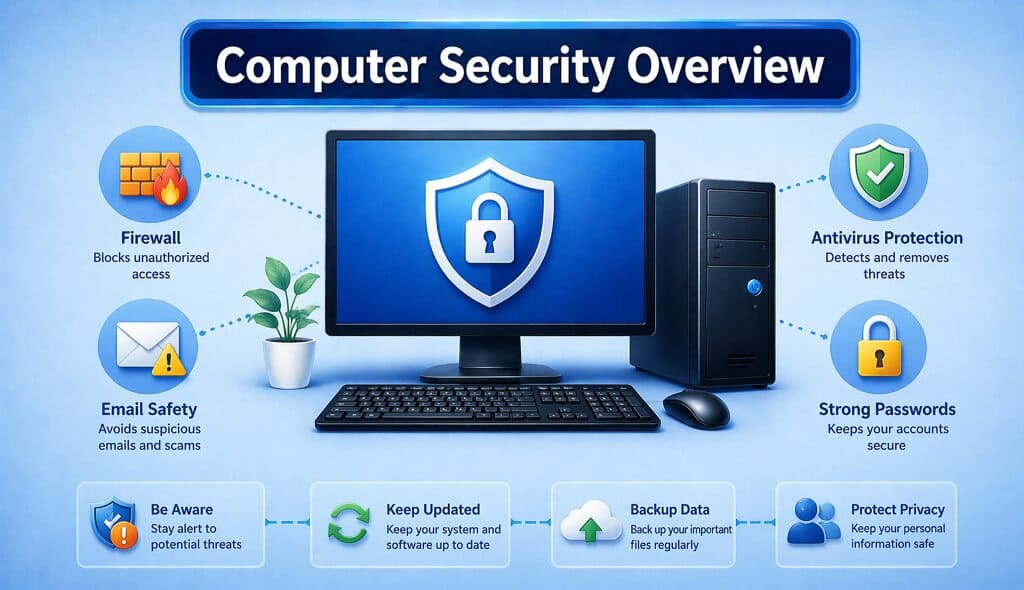
Computer security refers to how systems and data are protected during everyday use. It involves a combination of features and practices designed to help prevent unauthorized access and reduce potential risks.
Common security elements include tools such as firewalls and antivirus software, along with safe usage practices like recognizing suspicious emails and using strong passwords. These measures help maintain system stability and protect information across different computing environments.
Basic security practices also include staying aware of potential risks, keeping software updated, backing up important data and safeguarding personal information. These approaches are widely used to support a safer and more reliable computing experience.
Why Use This Guide?
This guide provides simplified explanations of everyday computer concepts including setup, performance, connectivity and security. Content is designed for general educational purposes and helps users understand common computing topics in a clear and structured way.
Computer Basics & Common Questions
The following information is provided for general educational purposes only and does not replace official manufacturer documentation.
What is typically involved in setting up a new computer?
Setting up a new desktop or laptop generally involves preparing the device for use by following the initial system instructions. This usually includes powering on the computer, completing basic system configuration and allowing the operating system to initialize its core features. Manufacturer-provided setup tools are commonly used during this process to prepare the system for everyday use.
Why might a computer not recognize connected hardware?
In some cases, when new hardware such as external drives, keyboards, or monitors is connected, the system may not immediately detect it. This can be related to compatibility, system settings, or driver availability, which are often referenced in general computing discussions.
How does computer Wi-Fi connectivity generally work?
Wi-Fi connectivity allows laptops and desktop computers to access the internet and local networks without using physical cables. Computers connect to a nearby wireless router, which provides network access for online services, file sharing and cloud-based applications.
What are computer drivers and why are updates released?
Drivers are software components that allow a computer’s operating system to communicate with hardware such as graphics cards, keyboards and printers. Updates are released to support compatibility, performance improvements and new system features.
What can cause a computer to display a blank or unresponsive screen?
Blank or unresponsive screens may be related to display settings, system performance, or hardware communication. These situations are often referenced when discussing how computers handle visual output.
What factors are commonly discussed in computer maintenance?
General computer maintenance topics often include system updates, storage management, software organization and hardware care. These concepts are commonly referenced in discussions about long-term device usability.
How does data transfer between a computer and another device typically work?
Data transfer between computers and other devices usually takes place through wired connections, wireless networks, or cloud-based services. These methods allow files and information to be shared across devices.
What is mobile and remote computing?
Mobile and remote computing refer to the ability to access computer systems and data using laptops, tablets, or mobile devices. These concepts are commonly discussed in relation to flexible work environments and cloud-based services.
What are common reasons computers may become unresponsive?
Computer systems may become unresponsive due to heavy workloads, limited system resources, or software behavior. These topics are often discussed when explaining how computers manage multiple tasks.
What is an operating system in a computer?
An operating system is the main software that manages a computer’s hardware and software resources. It provides a platform for running applications and allows users to interact with the system through graphical or command-based interfaces.
How does computer storage work?
Computer storage refers to how data is saved and retrieved on a device. This typically includes internal storage like hard drives or solid-state drives, as well as external storage devices used for backups and file transfers.
What is the role of RAM in a computer?
RAM, or Random Access Memory, is used by a computer to temporarily store data that is actively being used. It helps improve system responsiveness by allowing quick access to running programs and processes.
What is a computer virus?
A computer virus is a type of malicious software that can affect system performance and data integrity. It can spread through files, downloads, or external devices and is commonly discussed in relation to system security.
How do software updates benefit a computer?
Software updates often include improvements, bug fixes and security enhancements. They help maintain system stability and compatibility with new applications and technologies.
What is cloud storage in computing?
Cloud storage allows users to save data on remote servers instead of local devices. This enables access to files from different locations and devices using an internet connection.
What is the purpose of a computer network?
A computer network connects multiple devices to share data and resources. Networks can be local or global and are essential for communication, internet access and collaborative work.
What is the difference between hardware and software?
Hardware refers to the physical components of a computer, such as the monitor, keyboard and processor. Software includes programs and applications that run on the hardware and perform specific tasks.
How does a computer process information?
Computers process information by taking input, performing operations based on instructions and producing output. This process is handled by the central processing unit and supported by other system components.
What is meant by computer security?
Computer security involves protecting systems, data and networks from unauthorized access or damage. It includes practices such as using strong passwords, installing updates and managing access controls.