

Computer Performance Guide
Last updated: August 2026
A simple guide to understanding computer performance, system efficiency and factors that influence speed and responsiveness.
Disclaimer: This content is provided for general informational purposes only. For device-specific setup and instructions, please refer to official documentation or manufacturer guidelines.
Disclosure: This page contains Amazon affiliate links. As an Amazon Associate, we may earn from qualifying purchases at no extra cost to you.
Understanding Computer Performance
What does computer performance mean?
Computer performance refers to how efficiently a system can run applications, process tasks and respond to user actions. It is commonly influenced by hardware components such as the processor (CPU), memory (RAM) and storage.
When these components work efficiently together, the system can handle multiple tasks smoothly, whether it involves browsing, running software or managing background processes.
Upgrading memory (RAM) can significantly improve system speed and multitasking performance.
Explore RAM Upgrade Options →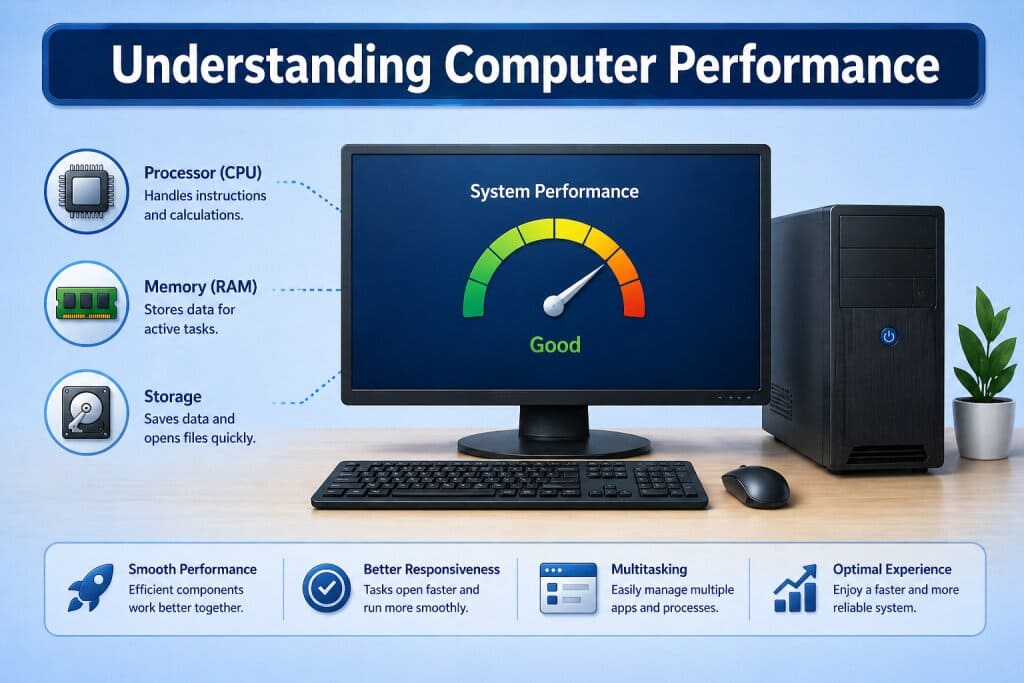
Key Factors Affecting Performance
What influences system speed and efficiency?
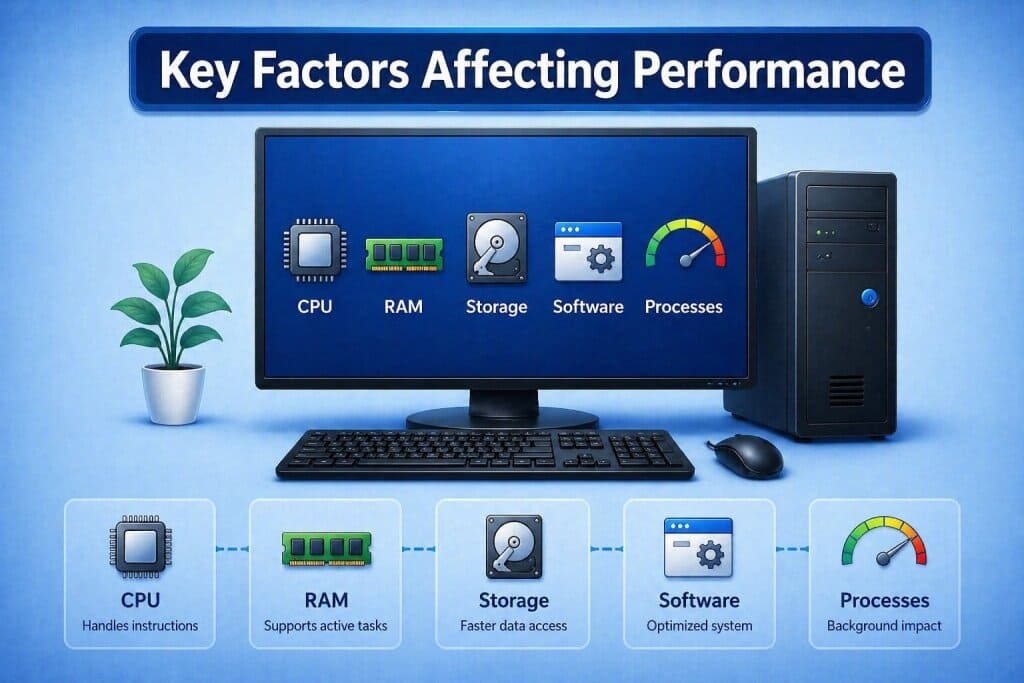
Several factors contribute to overall system performance. The processor handles instructions, RAM supports active tasks and storage determines how quickly data can be accessed and retrieved.
Performance may also be influenced by the number of running applications, background processes and system configuration. Modern operating systems are designed to manage these elements efficiently.
Upgrading to a solid state drive (SSD) can significantly improve system speed, faster boot times and quicker data access.
Explore SSD Storage Options →Maintaining System Performance
How can performance remain stable over time?
Maintaining performance involves regular system updates, efficient resource usage and proper system management. Operating systems often include tools that help monitor performance and manage applications.
Simple practices such as managing startup programs, keeping software updated and monitoring system activity can help ensure consistent performance during everyday use.
Overheating can reduce system performance over time. Using a cooling pad helps maintain stable temperatures, especially for laptops during heavy usage.
Explore Laptop Cooling Pads →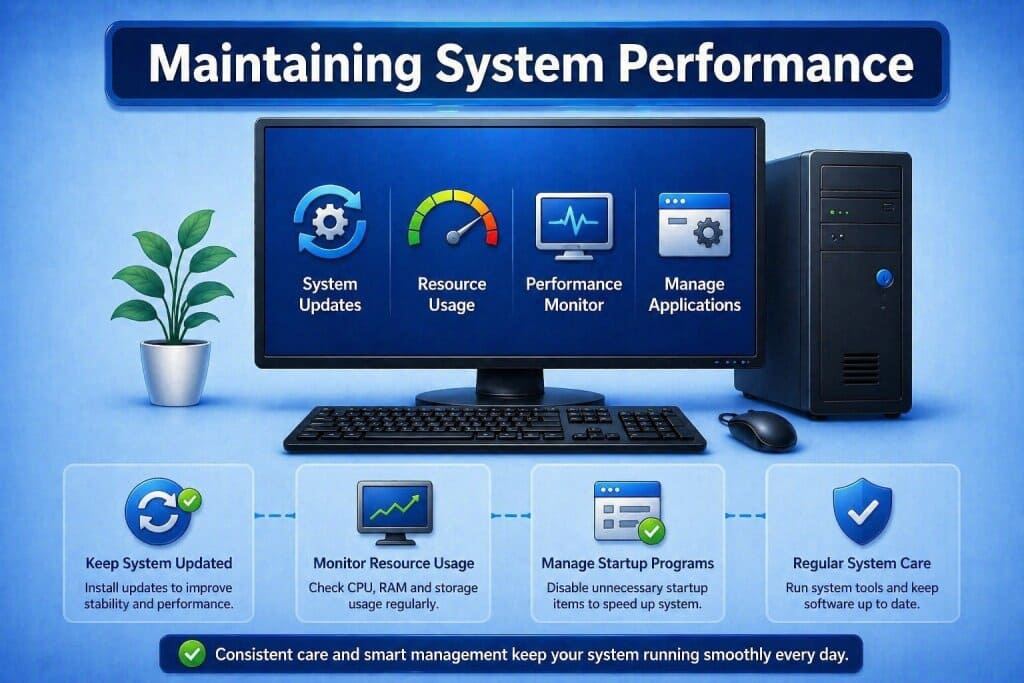
SSD vs HDD: Which Storage is Better?
Storage plays a major role in computer performance. Solid State Drives (SSD) and Hard Disk Drives (HDD) differ in speed, reliability and usage.
| Feature | SSD | HDD |
|---|---|---|
| Speed | Very fast data access and boot time | Slower performance |
| Durability | No moving parts, more reliable | Mechanical parts, prone to wear |
| Noise | Silent operation | May produce noise |
| Power Usage | Lower power consumption | Higher power usage |
| Storage Cost | More expensive per GB | More affordable for large storage |
| Best For | Speed, performance, gaming, OS | Bulk storage, backups |
SSDs offer significantly better performance, while HDDs are useful for cost-effective storage.
Upgrade your storage to improve system speed and responsiveness.
Explore SSD Options →Computer Performance Questions
This information is provided for general educational purposes and does not replace official system documentation.
What affects computer performance the most?
Performance is mainly influenced by CPU, RAM, storage speed and running applications.
Why does a computer slow down over time?
Slowdowns may occur due to increased background processes, outdated software or higher resource usage.
Does more RAM improve performance?
Additional RAM can help improve multitasking and allow the system to handle more applications efficiently.
What role does storage play in performance?
Faster storage can reduce loading times and improve overall system responsiveness.
How can system performance be maintained?
Keeping software updated, managing applications and monitoring system usage can help maintain stable performance.